
Before the evening news
“I’ll check in before the evening news. If the Plan needs attention, try me first. We’ve agreed who to contact if I don’t answer.”
For people who live on their own
Choose a daily check-in time and someone you trust. BackBy turns that small habit into a clear plan for staying in touch, with a next step if you miss it.
You choose the time and the people.
Together, you agree what a missed check-in means.
Everyday examples
Choose a check-in time that fits something you already do: finish breakfast, take your vitamins, or watch the evening news.
“I’ll check in before the evening news. If the Plan needs attention, try me first. We’ve agreed who to contact if I don’t answer.”
“I take my vitamins after breakfast. That’s when I check in, too. My friend is my Backer, and we’ve agreed what to do if I miss it.”
“I chose my neighbor as my Backer. We’ll check the app together and practice what to do if I miss the time.”
The experience
A once-a-day check-in can fit beside breakfast, vitamins, or the evening news. BackBy connects that familiar routine with a friend, family member, or neighbor.
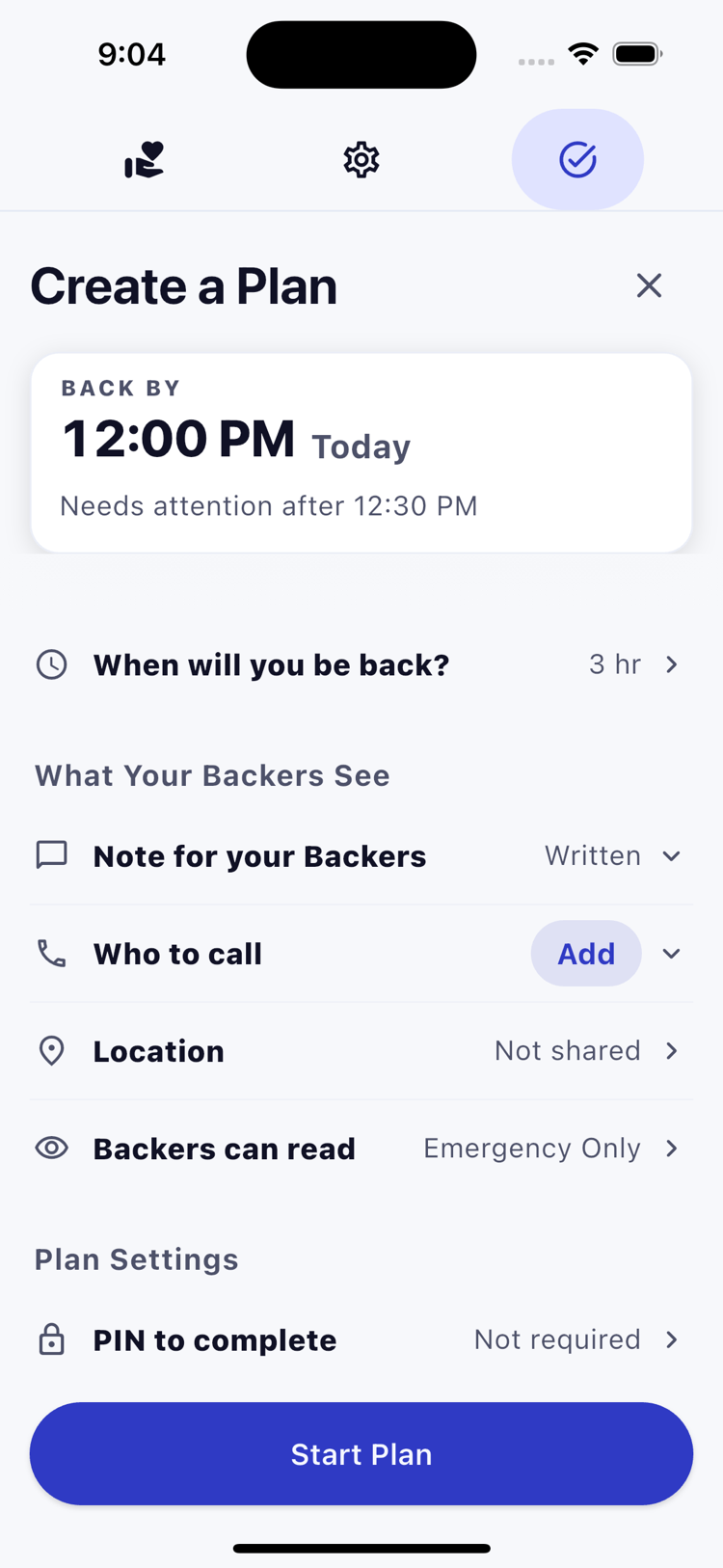
Choose a time that fits your routine and set the Plan to repeat daily. Grace is extra time before a missed check-in needs attention. More grace means a longer wait.
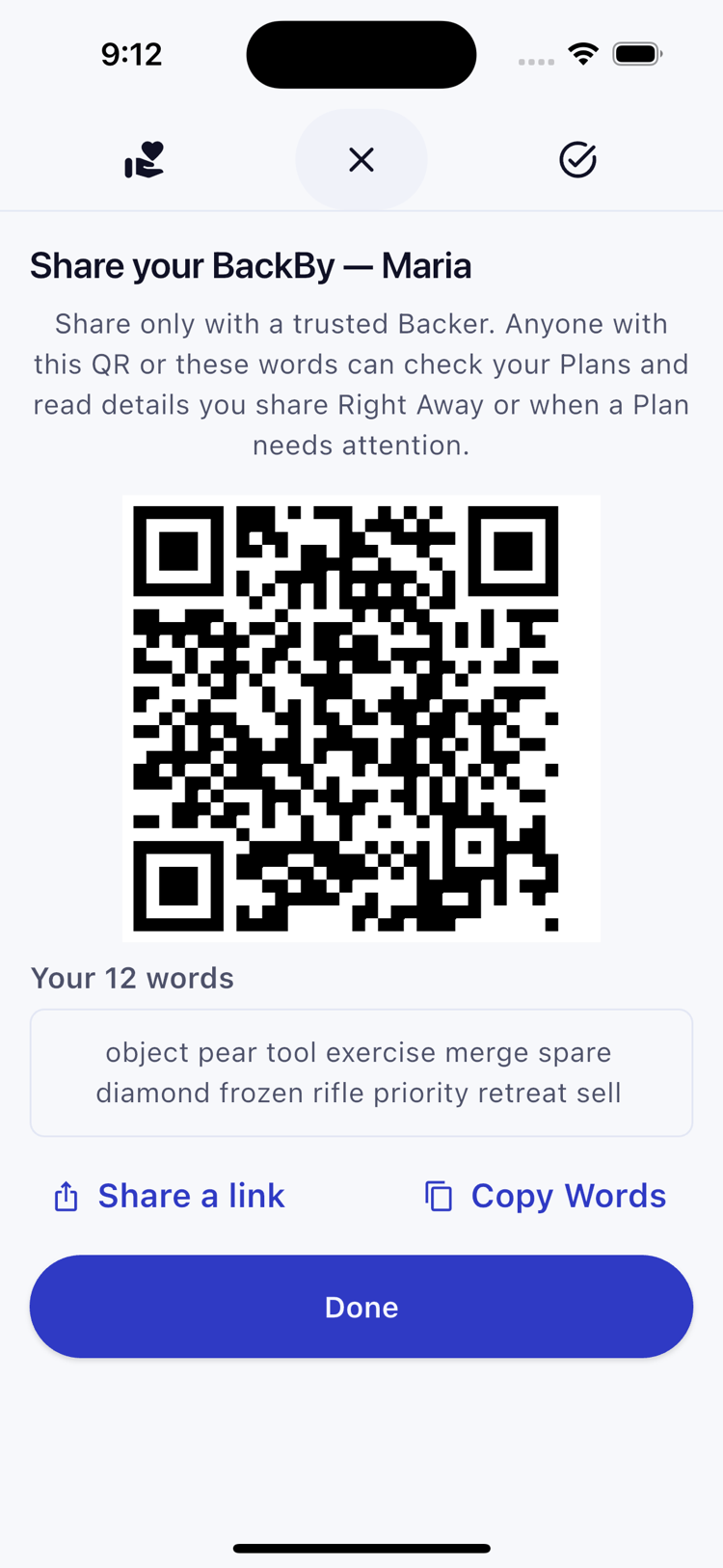
A Backer is someone you choose to check on you. They need BackBy on an iPhone. Pair privately using your QR code or 12 words, then agree what they should do if you miss a check-in.
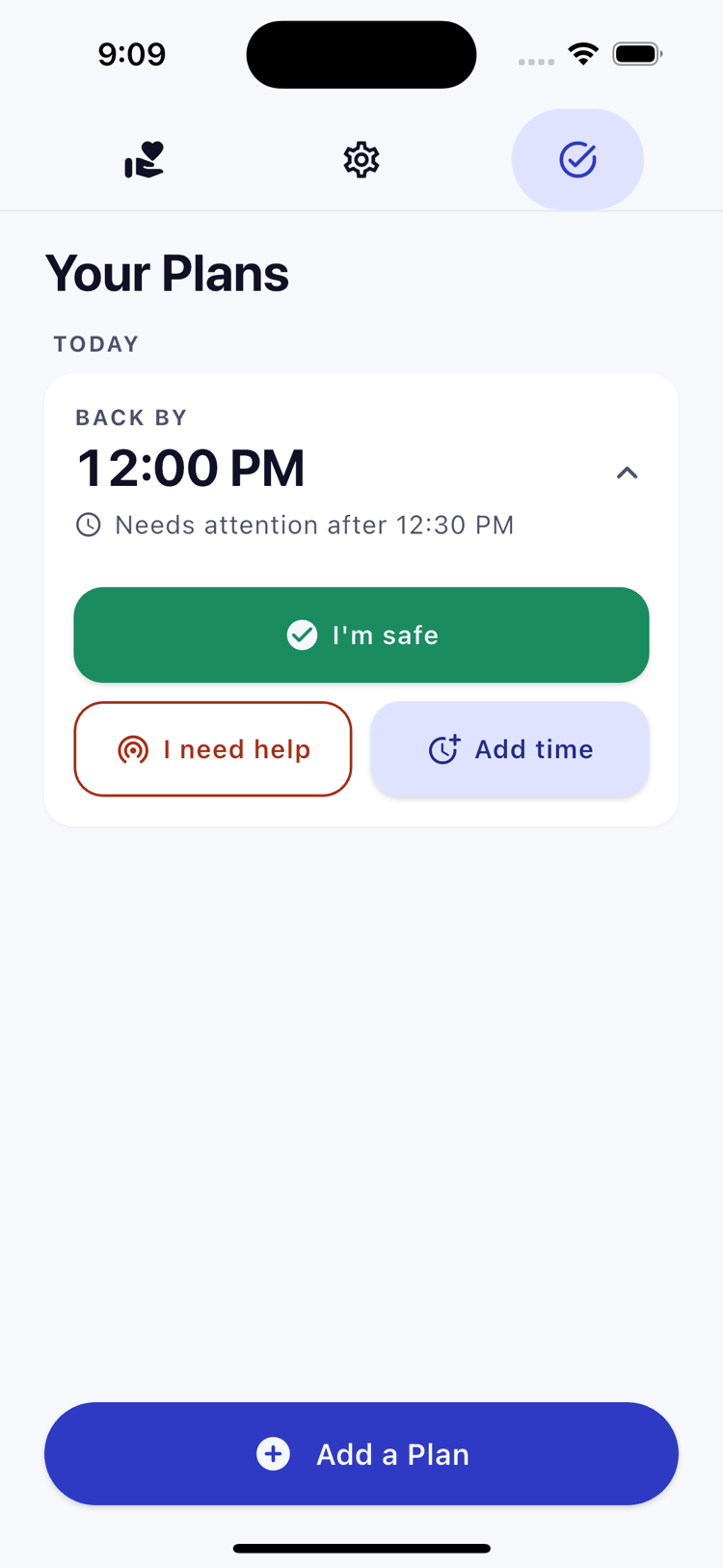
Open BackBy and press I’m safe. Wait for confirmation that the check-in is complete. Need longer? Use Add time before the cutoff. Both actions need an internet connection; offline actions stay pending.
A missed check-in
With a 5:00 PM check-in and 24 hours of grace, a missed check-in needs attention after 5:00 PM the next day. Backers can see the Plan before then. Their app must fetch updates, and alerts can be delayed or missed.
For you and your Backer
Choose a time that fits your day and someone who agrees to check on you. Set the routine together so each person knows what to expect.
Your app checks for updates and shows when a Plan needs attention. Read the note, try to make contact, and follow the steps you agreed. BackBy leaves the response with the people who know each other.
Privacy by design
BackBy is designed around a simple principle: the server should know as little as possible about the people using it.
Read what BackBy can and cannot protectHow note privacy is designed to work
A clear role
Common questions
No. It cannot detect a fall or illness. A missed check-in means a check-in was missed; it does not tell your Backer why. BackBy is not a medical alert service.
No. BackBy does not track your movements. You can choose to add a fixed map pin. Maps are off by default; loading one can share your IP address and the viewed area with the map provider.
No. Backer apps check for updates and may notify locally, subject to phone settings and connection. Backers decide how to respond using the Plan and the note.
Each Backer uses the BackBy app on an iPhone. Pair privately with a QR code or 12 words. No account or password is needed.
The app can remind you, but phone settings may silence or delay reminders. After grace ends, an unconfirmed check-in can become Needs Attention. Agree with your Backer how to check on you if that happens.
Tell your Backers what is changing. Add time can move the current deadline if the server confirms it before the cutoff; it does not change your repeating schedule. Review future check-ins separately.
Emergency Only is designed to keep the note locked until the Plan needs attention, you ask for help, or a completion carries the private safety signal. Right Away offers immediate sharing instead.
It can fit something you already do, such as finishing breakfast or taking your vitamins. BackBy makes that small habit a shared agreement with someone you trust.
Wait for the server to confirm completion. A normal completion finishes that check-in; it does not resolve other missed check-ins. Daily repeats create separate Plans. Emergency Only is designed to keep the note locked after normal completion.
Start a daily habit
Get BackBy and choose a friend, family member, or neighbor to check in with. Have a question? Send us an email.